Show a PDF
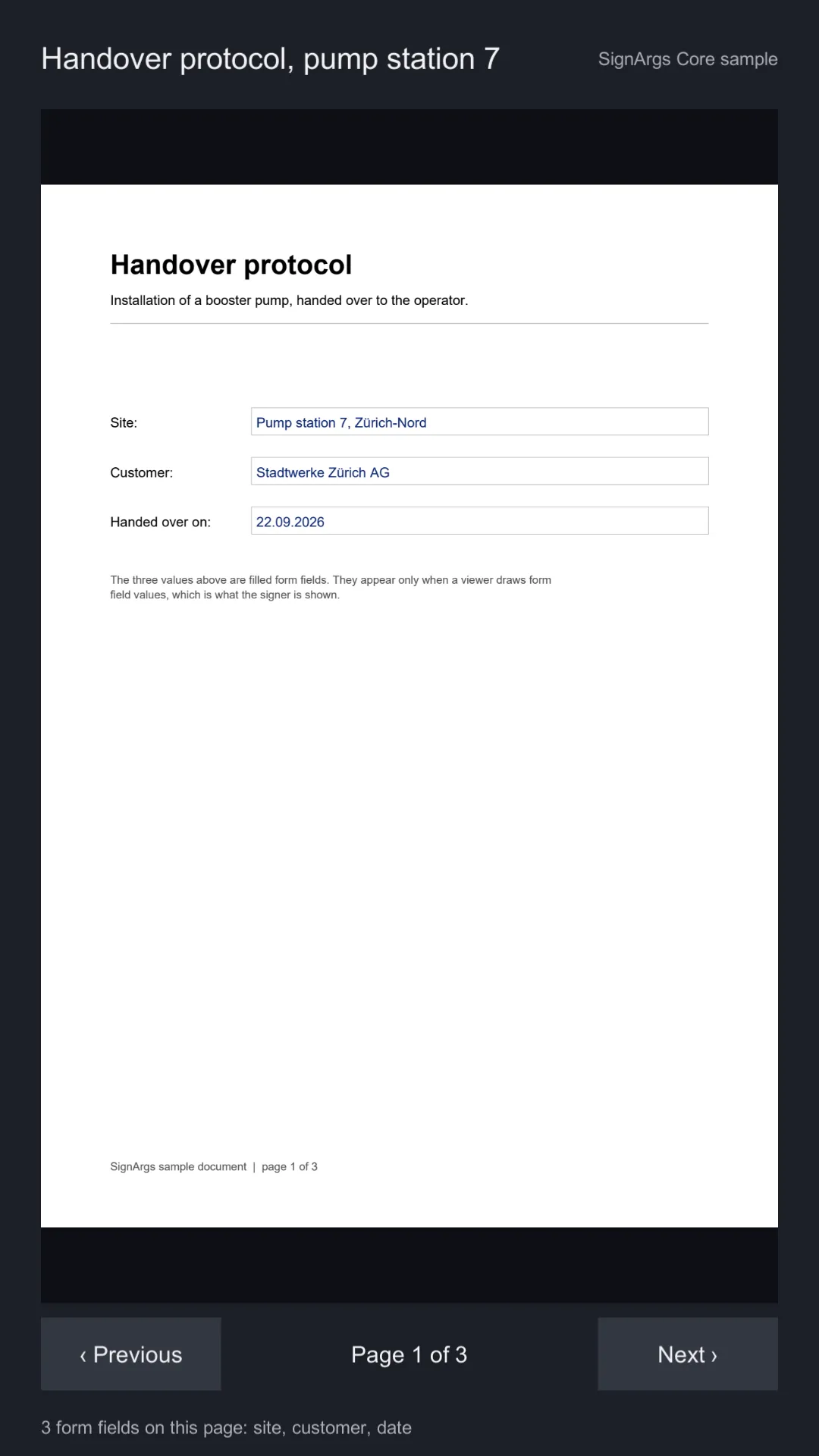
The ten-second check that the PDF engine works on your target: a three-page handover protocol with
filled form fields, drawn on a RawImage and paged with two buttons. The footer lists the form
fields each page declares.
What you see
- Page 1 of 3 appears within a moment of pressing Play, with the form’s values drawn in.
- ‹ Previous and Next › turn the pages; the label between them says which page is on screen.
- The footer names the page’s form fields, or says there are none. Page 3 holds the signature boxes.
What is in the scene
| Object | Components | What it does |
|---|---|---|
Canvas |
Canvas, CanvasScaler, GraphicRaycaster |
Screen-space canvas for everything below. |
Document |
Image |
The grey well the page sits in. |
Document/Page |
RawImage, AspectRatioFitter (fit in parent) |
The page. PdfView writes its texture and aspect ratio. |
Previous, Next |
Button |
Wired to PdfView.PreviousPage and PdfView.NextPage. |
Page Label, Footer |
Text |
Written by the sample script. |
SignArgs |
PdfWorker, PdfView, ShowDocumentSample |
The worker thread, the view (dpi 150) and the sample script. |
ShowDocumentSample is sixty lines. It opens the document, listens to PageShown to update the
label, and asks GetFormFieldsAsync for the page’s fields:
previousButton.onClick.AddListener(view.PreviousPage);
nextButton.onClick.AddListener(view.NextPage);
view.PageShown += OnPageShown;
await view.OpenAsync(document.bytes);

private async Task DescribeFieldsAsync(int pageIndex)
{
    var fields = await view.GetFormFieldsAsync(pageIndex);
    // fields[i].Name, .Kind, .PageIndex, .Area (in points), .IsReadOnly
}
Reuse it
Copy the Document object and the SignArgs object into your own canvas and you have a viewer.
To show your own PDF, rename it to end in .pdf.bytes, drop it into the project and drag it onto the
sample script’s Document field, or pass any byte[] to PdfView.OpenAsync.
See Showing documents for everything PdfView does.